
Add Balance
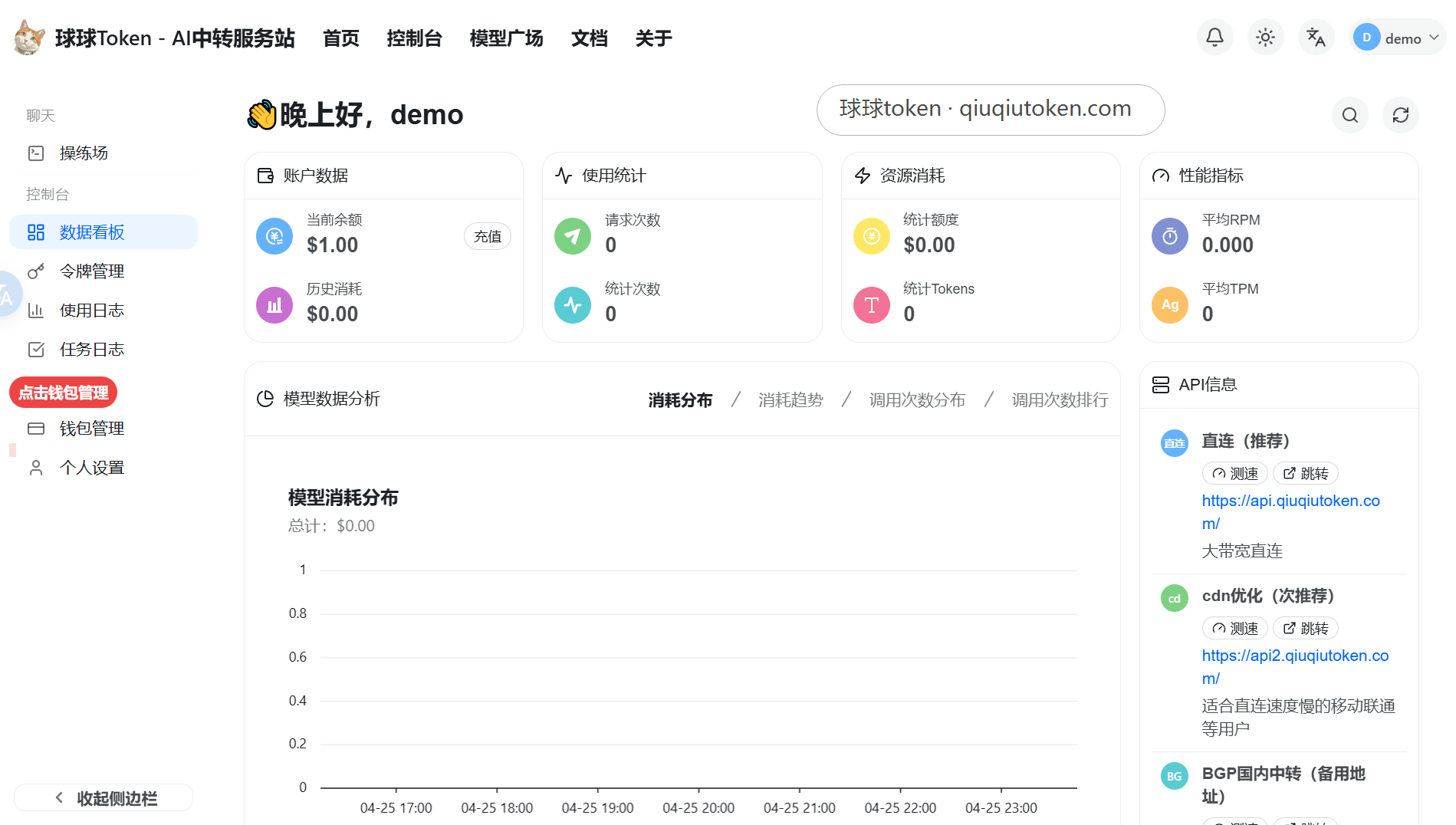
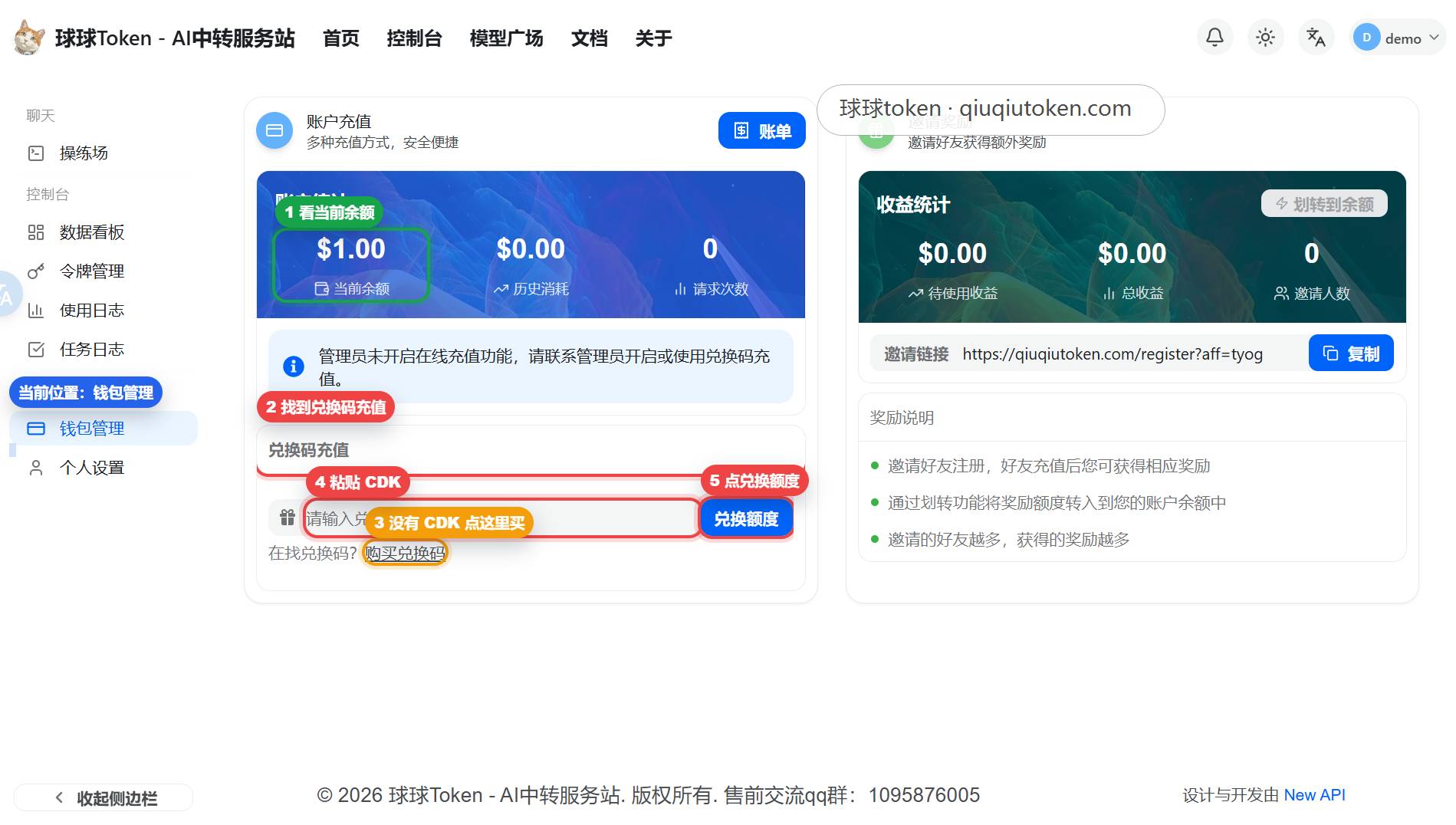
Open Wallet Management to view and add balance.
Steps
- Log in to the console.
- Open Wallet Management.
- Check the current remaining balance.
- Choose a recharge method and complete payment when balance is insufficient.
- Return to Wallet Management and confirm the updated amount.
Verification
- Wallet Management shows the current balance.
- After recharge, the amount changes.
- The balance is enough for at least one test call.
Next
Continue to Create an API Token.